AntRunner.Chat
Build AI Chat Experiences in .NET with Tool-Based Assistants
What is AntRunner.Chat?
AntRunner.Chat is an open-source .NET library that lets you create and manage conversations with tool-based AI assistants. Build AI agents that answer questions, run tools, or perform tasks - all through a simple chat interface.
Works with OpenAI models including GPT-5, gpt-4.1-mini, and reasoning models (o1, o3, o4).
Installation
dotnet add package AntRunner.Chat --version 0.9.4Or in a C# notebook:
#r "nuget: AntRunner.Chat, 0.9.4"Key Features
Conversational AI
- Multi-turn conversations with context
- Switch assistants on the fly
- Undo last message
- Save and load chat history
Streaming & Models
- Real-time streaming responses
- Automatic reasoning model detection
- Adapts temperature/topP vs reasoning_effort
- Token usage tracking
Tool Calling
- OpenAPI-based tools
- Declarative tool registration
- External tool call delegation
- Multi-provider OAuth support
Multi-Agent
- Crew bridge orchestration
- Lead assistant delegates to crew
- Specialized agent workflows
- Container sandboxes
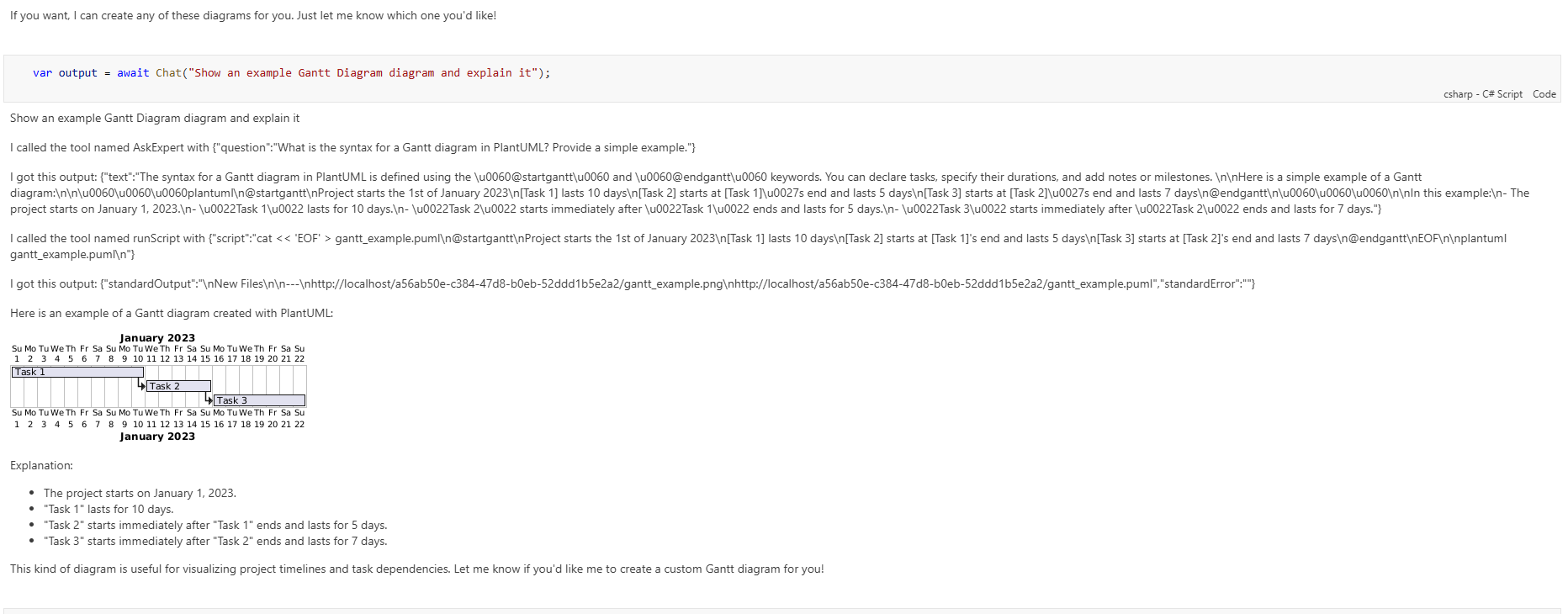
Develop guides and assistants locally using notebooks and sandboxed Docker containers.
Basic Usage
using AntRunner.Chat;

// Set up chat options
var chatConfiguration = new ChatRunOptions
{
    AssistantName = "Python Ants",
    DeploymentId = "gpt-4.1-mini",
};

// Create a conversation
var conversation = await Conversation.Create(chatConfiguration, config);

// Send a message
var output = await conversation.Chat("Hello AI! What can you do?");
Console.WriteLine(output.LastMessage);
Streaming Responses
// Subscribe to streaming events
void OnStreamProgress(object? sender, StreamingMessageProgressEventArgs e)
{
    Console.Write(e.ContentDelta); // Write each chunk as it arrives
}

// Use ChatRunner.RunThread with streaming handler
var output = await ChatRunner.RunThread(
    chatConfiguration,
    serviceConfiguration,
    messages,
    httpClient,
    onMessage: null,
    onStream: OnStreamProgress);
Multi-Agent Orchestration
AntRunner.Chat supports multi-agent workflows where a lead assistant delegates tasks to specialized crew members:
using AntRunner.ToolCalling.Functions;

// Generate schema for crew members
var crewSchema = CrewBridgeSchemaGenerator.GetSchema(new[]
{
    "ResearchAgent",
    "WriterAgent",
    "ReviewerAgent"
});

// The lead assistant can now call these as tools
This enables complex workflows like:
- A project manager coordinating research, writing, and review
- A coding assistant delegating to testing or documentation agents
- A customer service lead routing to domain experts
Declarative Tool Registration
Use attributes to register functions as tools without writing JSON schemas:
using AntRunner.ToolCalling.Attributes;

[Tool(OperationId = "search_files", Summary = "Search for files by pattern")]
public static async Task SearchFiles(
    [Parameter(Description = "The search pattern (e.g., *.cs)")] string pattern,
    [Parameter(Description = "Directory to search in")] string directory = ".")
{
    // Implementation
} | Attribute | Description |
|---|---|
[Tool] | Marks a method as callable with OperationId and Summary |
[Parameter] | Provides description and metadata for parameters |
[RequiresNotebookContext] | Indicates the tool needs notebook context injection |
[OAuth] | Specifies OAuth token handling (None, Forward, Required) |
Container Sandboxes
Run isolated environments for different assistants and tools using Docker containers:
- dotnet-server - Main .NET service container
- python-app - Python 3.11 with .NET 9 SDK and optional CUDA
- plantuml - PlantUML diagram rendering
- qdrant - Vector search engine
- kernel-memory - Kernel memory management service
Build scripts provided for Linux/macOS (build_local_images.sh) and Windows (build_local_images.ps1).
Conversation Management
// Undo the last message
conversation.Undo();

// Switch to a different assistant
await conversation.ChangeAssistant("Web Ants");

// Save conversation
conversation.Save("./savedConversation.json");

// Load conversation
var loaded = Conversation.Create("./savedConversation.json", config);

// Check token usage
var totalUsage = conversation.Usage;
var lastTurnUsage = output.Usage;
Get Started
- Install:
dotnet add package AntRunner.Chat - Configure your OpenAI or Azure OpenAI credentials
- Create a conversation and start chatting